Setup guide
Understand f5-tts requirements before you run it
f5-tts requirements are easier to assess when you separate the model itself from the interface used to access it. This guide covers the practical setup decisions that affect a dependable run.

The three things only this route does
A requirements-focused entry point is useful because it turns a broad model question into three concrete checks: compute, software, and audio input.
-
1
Check compute
Confirm that the machine or hosted environment can handle inference with the available memory, acceleration, and storage. A capable GPU is generally more practical than relying on a CPU for repeated work.
-
2
Prepare the runtime
Have the required code environment, model files, dependencies, and compatible acceleration stack ready before testing. Keep versions consistent instead of mixing packages from unrelated setups.
-
3
Validate the audio
Use a clean reference recording when the workflow calls for voice conditioning, then test a short script first. Clear speech and low background noise make problems easier to diagnose.
Related capability guides
- f5-tts multilingual See how language coverage changes the preparation and evaluation questions for a voice synthesis workflow.
- f5 tts voice cloning Review the reference-audio considerations that matter when the goal is to preserve a speaker's vocal character.
- f5-tts demo Use a demonstration route to understand the kind of input and output you should expect before deeper setup work.
- f5 tts arabic Explore the language-specific questions to ask when preparing Arabic text and reviewing generated speech.
From an unprepared run to a usable test
The difference between a frustrating first attempt and a useful evaluation is usually preparation, not a longer prompt.
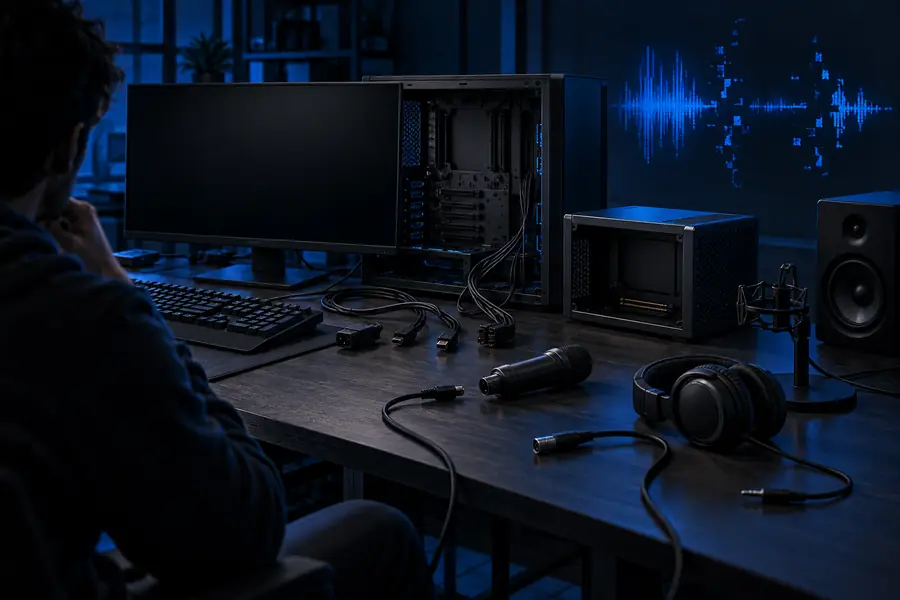
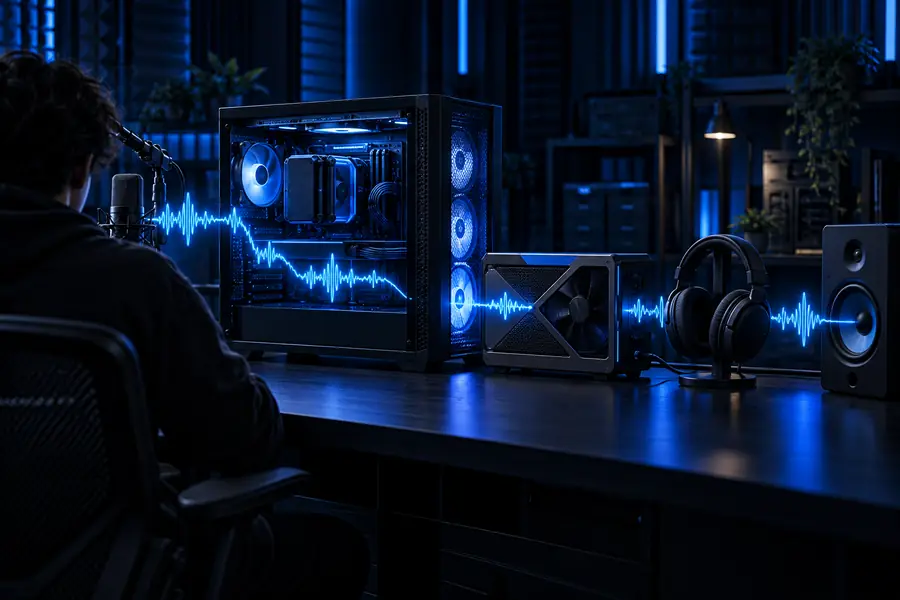
Start with a short, controlled sample before tuning a longer workflow.
UnpreparedReady to testLimits and practical workarounds
Requirements can tell you whether a workflow is plausible, but they cannot remove every technical constraint.
Hardware needs still matter
A web page or hosted interface can hide local installation, but generation still depends on compute supplied by the service. Local inference may be impractical on a low-memory machine.
What to do instead
Use a hosted route for evaluation, or reduce test length and batch size while checking a local setup.
Versions are not interchangeable
Python packages, CUDA components, model weights, and helper repositories can depend on one another. A command that works in one environment may fail after an unrelated upgrade.
What to do instead
Record the working environment and install from the route's documented dependency set rather than improvising package versions.
Poor reference audio cannot be fixed by settings
Noise, clipping, room echo, overlapping speakers, or very short speech can limit the quality of a voice-conditioned result. More inference steps do not recreate missing signal.
What to do instead
Capture a clean, intelligible sample and trim silence before comparing outputs.
A test is not a production guarantee
One successful sentence does not prove that long scripts, unusual punctuation, every language, or every speaker will behave consistently.
What to do instead
Create a small evaluation set with short, medium, and difficult sentences before committing to a larger workflow.
This entry point vs the general one
The requirements route is a planning aid; the general model route is the broader place to explore capabilities and outputs.
| Requirements route | General model route | |
|---|---|---|
| Primary purpose | Decide whether the setup is ready | Explore the model and its possible uses |
| Main question | What must be available before testing? | What can the model produce? |
| Hardware focus | Memory, acceleration, and runtime practicality | Usually secondary to trying an output |
| Audio focus | Reference quality and recording conditions | Input and output inspection |
| Best first test | Short, controlled sample with known inputs | Representative sample for general exploration |
| What it cannot replace | A full compatibility check for your exact machine | A detailed installation or troubleshooting plan |
| Useful outcome | A clear go, adjust, or defer decision | A better sense of the model's behavior |
How to start with a sensible test
Begin with the smallest useful experiment: prepare a clean reference if your workflow needs one, enter a short sentence, and compare the result against the original goal. If the output is unstable, change one variable at a time instead of replacing the whole setup. A hosted handoff can be a practical way to inspect the workflow before spending time on local installation.
- Use a short script first
- Keep the reference recording clear
- Change one setup variable at a time
Frequently asked questions
The practical basics are a compatible software environment, the required model files and dependencies, enough compute for inference, and suitable audio when the workflow uses a reference voice. Exact hardware needs depend on the interface, model configuration, input length, and whether inference runs locally or through a hosted service.
A GPU is generally the more practical choice for responsive local inference, especially when testing repeatedly or working with longer inputs. A CPU may be useful for limited experiments, but it can make generation slower and less convenient.
You need reference audio when the selected workflow uses a speaker sample to condition the output. A clean recording with understandable speech and little background noise is more useful than a long, inconsistent clip.
A hosted or browser-based route may let you evaluate the workflow without managing the local runtime yourself. That does not remove the underlying compute or compatibility requirements; it moves more of that responsibility to the service providing the interface.
Check the runtime versions, model and dependency installation, available memory, input formatting, and reference-audio quality in that order. Use a short sentence and one controlled sample so you can identify whether the problem comes from setup, input, or output evaluation.