Narrators
Use a short, clean reference clip with a script that matches the tone you want to reproduce.
You can test pacing, pronunciation, and emotional delivery without changing several variables at once.
Hands-on guide
This guide explains how to use f5 tts voice cloning from a clean reference recording to a reviewed speech sample, with practical checks at every stage.

Before you begin
A reliable result starts with the right source material, text, and expectations. Prepare these items before opening an inference interface.
Use a short, clean reference clip with a script that matches the tone you want to reproduce.
You can test pacing, pronunciation, and emotional delivery without changing several variables at once.
Prepare lesson text in short paragraphs and choose a reference that sounds close to the intended teaching style.
A measured workflow makes it easier to compare takes and keep a consistent voice across modules.
Confirm the runtime, model files, reference audio, and transcript are available before testing longer passages.
You spend less time debugging input problems that can look like model-quality issues.
Start with a short scene, a clearly punctuated script, and a reference clip without music or overlapping speakers.
Short test renders reveal timing and pronunciation issues before they spread through a full edit.
Core workflow
Treat voice cloning as a controlled sequence: prepare the reference, generate a small test, then refine only what the test reveals.
Choose a clear clip with one speaker, steady volume, and natural delivery. If a transcript field is available, enter the words spoken in the clip accurately; mismatches can affect alignment and pronunciation.
Enter a brief target passage with normal punctuation and run a small test first. Listen for identity, rhythm, skipped words, clipped endings, and sounds that do not match the reference.
Change one input at a time: the reference segment, transcript, punctuation, or target text. Compare versions at the same listening level before choosing a take for a longer script.
Once the voice and delivery are acceptable, divide the remaining script into sensible sections. Keep the same reference and conventions so later renders remain easier to compare.
Troubleshooting
Most disappointing samples come from preventable input issues rather than a single mysterious setting. Use these checks before changing the whole workflow.
Input discipline
Compare the source and generated sample by attribute instead of judging only whether the voice sounds familiar.
| Reference audio | Generated sample | |
|---|---|---|
| Speaker identity | One consistent speaker throughout the clip | Should retain recognizable vocal character |
| Background sound | Quiet room with minimal music or noise | Noise may be reproduced or become more noticeable |
| Transcript accuracy | Words match the spoken recording | Incorrect alignment can affect pronunciation |
| Text length | Short enough to stay focused and stable | Begin with a short passage before scaling |
| Punctuation | Natural pauses are easy to hear | Commas and sentence breaks influence rhythm |
| Delivery style | Tone and pace match the intended use | Review emotion, speed, emphasis, and endings |
| Comparison method | Keep the original available for direct listening | Compare at the same volume and with the same script |
Set expectations
A careful workflow improves consistency, but it cannot remove every limitation of reference-based synthesis.
A noisy, clipped, reverberant, or multi-speaker reference gives the system less reliable information about the target voice.
What to do instead
Trim to the clearest usable segment and record a cleaner replacement when possible.
Names, acronyms, unusual spellings, and mixed-language passages may still need several text or punctuation trials.
What to do instead
Rewrite the passage phonetically where appropriate and test difficult words in isolation.
A generated sample may capture vocal character without matching the exact breath, emphasis, timing, or emotion of the source.
What to do instead
Use shorter sections, stronger punctuation cues, and manual editing for critical moments.
A technically successful clone does not establish permission to use someone else's voice or make the result suitable for publication.
What to do instead
Use authorized recordings, document approval, and review every output before sharing it.
Quality check
A before-and-after comparison makes small problems easier to hear than a single isolated playback.
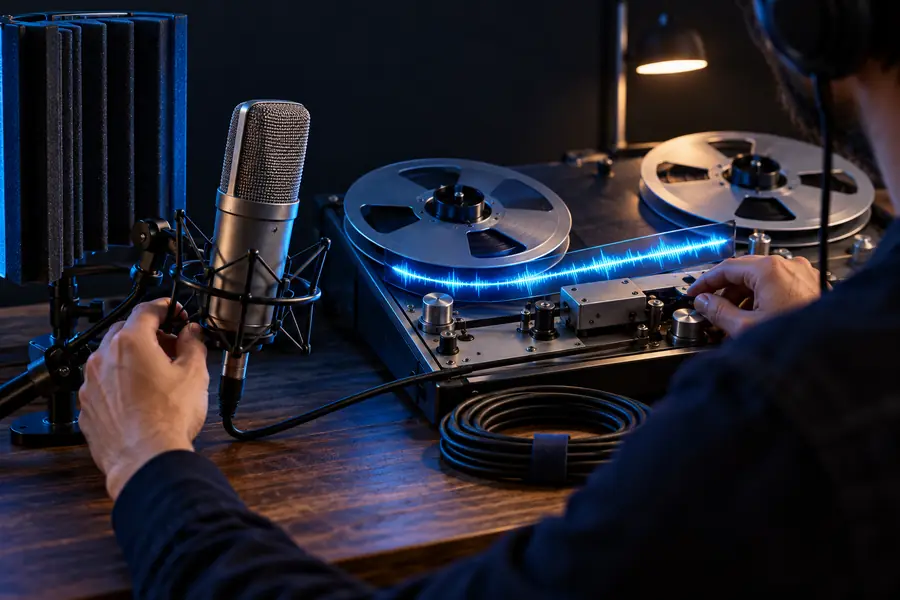
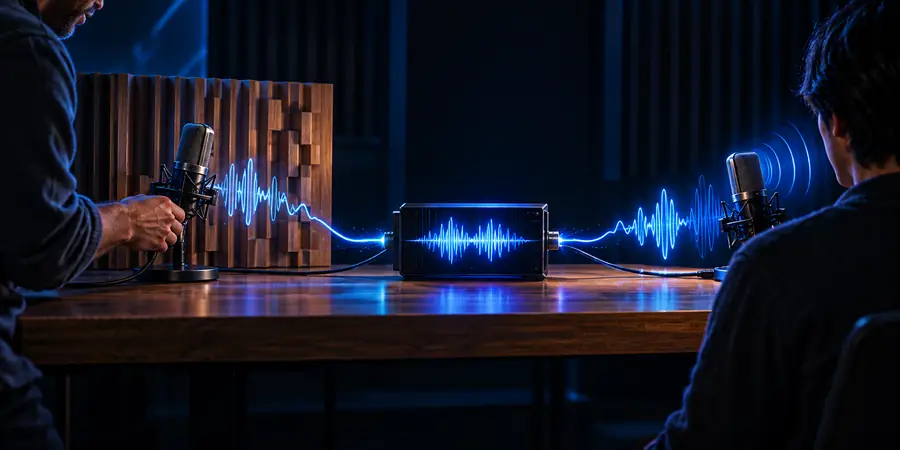
Compare identity, rhythm, clarity, and endings before scaling the script.
Reference clipGenerated sampleNext practical step
Bring a short, authorized reference and a focused script to the next test. Start with one sample, listen closely, then use the same approved setup for longer passages.
Quick answers
Prepare a clear single-speaker reference clip and, when requested, an accurate transcript. Enter a short target passage, generate one sample, and listen for identity, pronunciation, pacing, and clipped endings before trying a longer script.
Use speech that is clear, reasonably consistent, and free from music, overlapping speakers, heavy reverberation, or sudden volume changes. A clean segment gives the model more useful information than a longer but noisy recording.
If the interface asks for one, provide the words spoken in the reference as accurately as possible. A transcript that differs from the recording can make alignment and pronunciation less predictable.
The result can change when the source contains noise, the transcript is inaccurate, or the target text has unusual punctuation or pronunciation. Test a cleaner segment and change only one input at a time so you can identify the cause.
Not reliably in every sample. Reference-based synthesis may preserve vocal character while changing emphasis, breath, timing, or emotional intensity, so important passages should be reviewed and edited before publication.